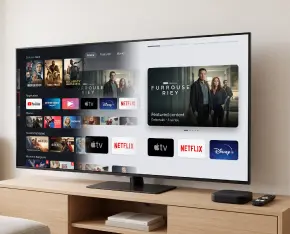
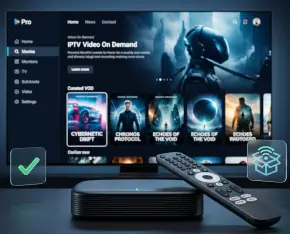
A television should make it easy to enjoy the content you choose. Yet a typical viewing session can begin with promotional banners, moving previews and applications you barely recognise. Over time, these extras turn a straightforward activity into a series of small decisions about what to open, skip or dismiss.
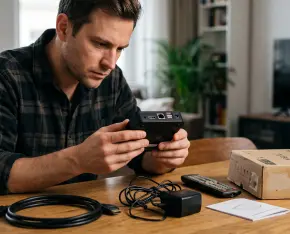
Purchasing a used IPTV box can be a practical way to reduce costs, particularly when you need another device for a second television or are looking for a model that is no longer sold new. But a lower price is only worthwhile when the set-top box is in good working order, is not restricted to a specific operator, and still has adequate software support.
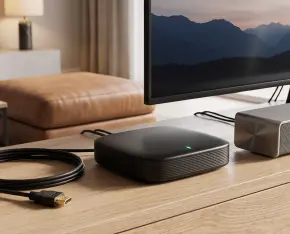
Connecting an IPTV set-top box to a soundbar should improve your viewing experience, with clearer speech and more engaging movie sound. Yet even devices with matching HDMI ports do not always work together as expected. You might hear stereo instead of surround sound, notice delayed dialogue or get a picture with no audio.
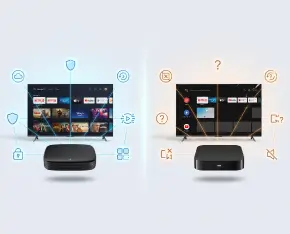
When choosing an Android TV box, buyers often focus on processor performance, RAM, storage capacity, Wi-Fi standards, and support for 4K video. These specifications are important, but they do not always tell you how the device will behave in everyday use.
The Back to School season is a great time to refresh your entertainment setup with a special offer from Infomir Store. From August 20 through August 31, enjoy two limited-time deals on MAG555 set-top boxes.
An IPTV set-top box or media player is not a product that should be selected only by price, memory size, or the first attractive photo on a product page. It becomes the central link between the TV, internet connection, IPTV provider, streaming apps, remote control, and the user’s viewing habits. If this link is weak, everyday entertainment quickly turns into a sequence of delays, buffering, app errors, overheating, or inconvenient navigation.
An IPTV set top box may contain far more personal information than you realize. Streaming service logins, viewing history, stored Wi-Fi passwords, IPTV provider credentials, installed applications, and custom settings can all remain on the device. For this reason, simply unplugging the box, packing it up, and giving it to someone else is not enough.
An IPTV set-top box can feel fast and responsive for months, then gradually begin to slow down. Menus may take longer to open, channel switching can become less responsive, apps may freeze during startup, and video playback may begin to stutter unexpectedly. If these issues started after you installed several games, streaming platforms, or other applications, the problem may be related to the device itself rather than your IPTV provider or internet connection.
Independence Day is the perfect time to enjoy more freedom of choice in home entertainment. From July 2 through July 6, you can save $3 on any MAG set-top box available at Infomir Store.
IPTV is no longer just “television over the internet.” For today’s viewer, it is a way to access TV channels, movies, series, sports, program archives, and video on demand across a TV, smartphone, tablet, or set-top box.

 Español